

Platform · Reporting
A report you can forward to the client.
Live in your own dashboard while the campaign runs, and as one PDF when it ends: delivery, verification clips, replay reach, clicks, chat and polls.
Surfshark
VPN Finland, 1 Aug to 1 Sep
- Overview
- Setup verification
- Chat tracking
- Replay reach
- PDF report
Completed live views
119,041
LiveLive + replaysExport PDF
Clicks1,281
CTR1.08%
Streams202
Ad plays759
Hours watched964
Bought 100,000119,041
1 Aug15 Aug1 Sep
Latest ad play Just Chatting
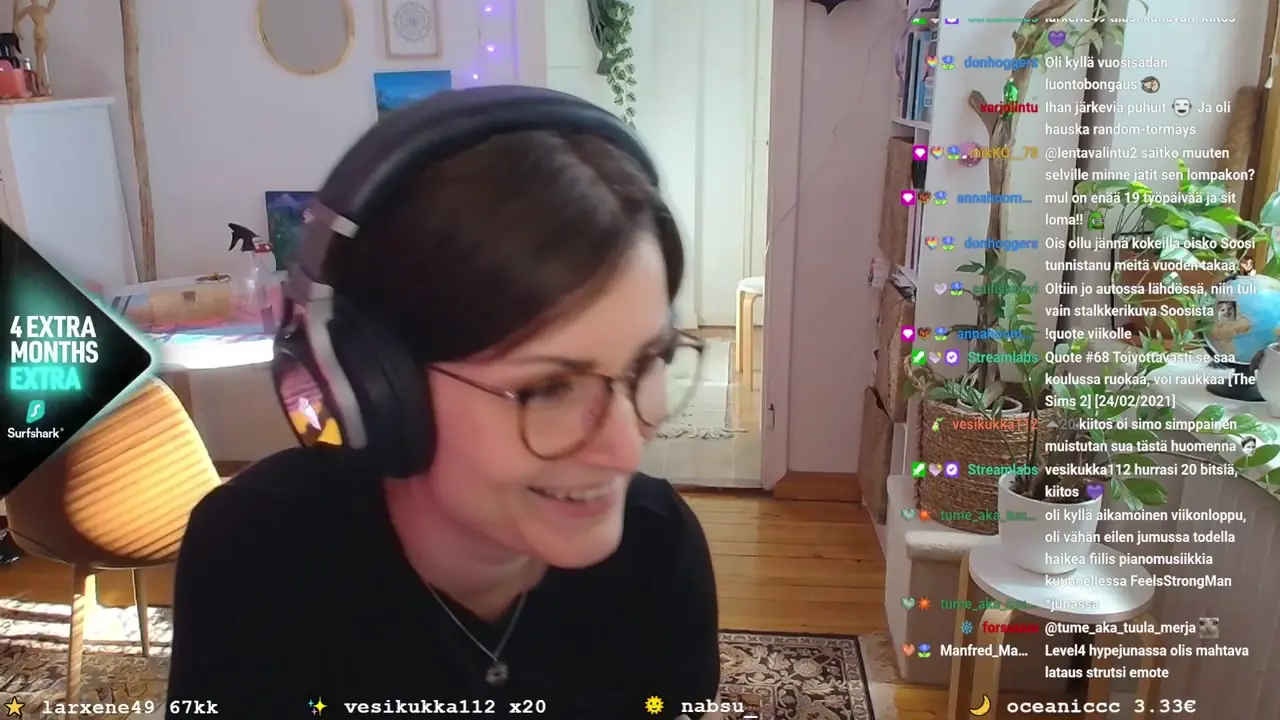
Poll 2,833 votes
Hey, do you use a VPN these days?
Live monitor
See who is live with your ad right now.
The campaign room shows which channels are live, how many viewers are watching, and which ones are running your overlay at this moment.
Live campaign monitor
Surfshark VPN Finland
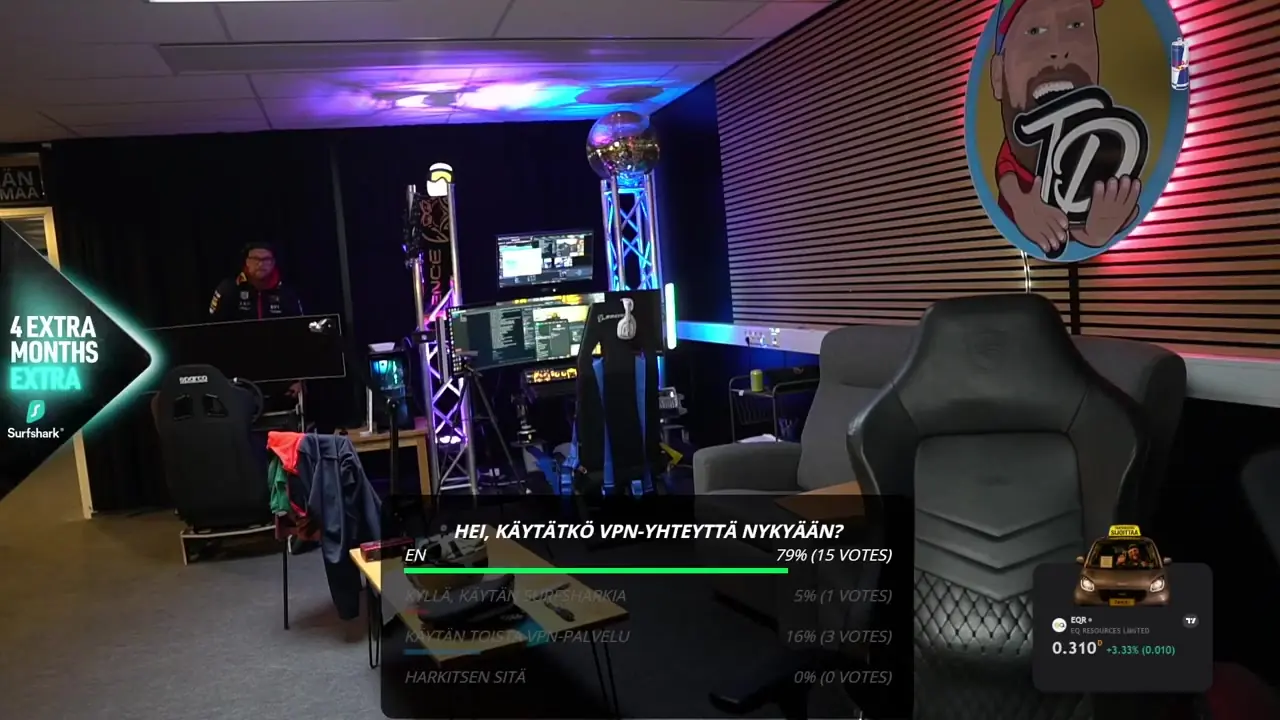
Viewers now1,336
Overlay on2
Ad plays today31
Channels3 live
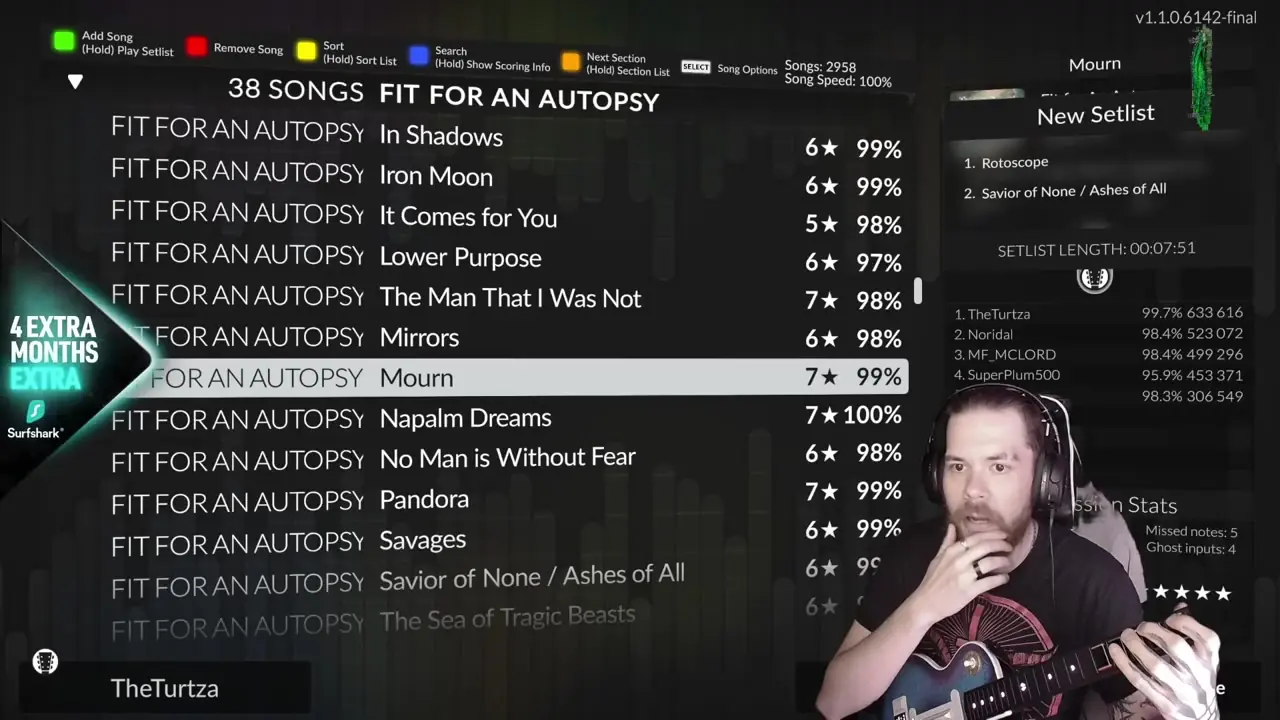 theturtzaOverlay on612
 henksuliiniOverlay on488
- MmiikazBetween ad moments236
- KketkuLive 3 h agoOffline
- DdatropeLive yesterdayOffline
Delivery
Delivery you can look at.
Every ad play is recorded as a clip and checked: whether the overlay was displayed correctly and whether the brand was mentioned. It is evidence, not a served-impression count.
Delivery
Surfshark VPN Finland
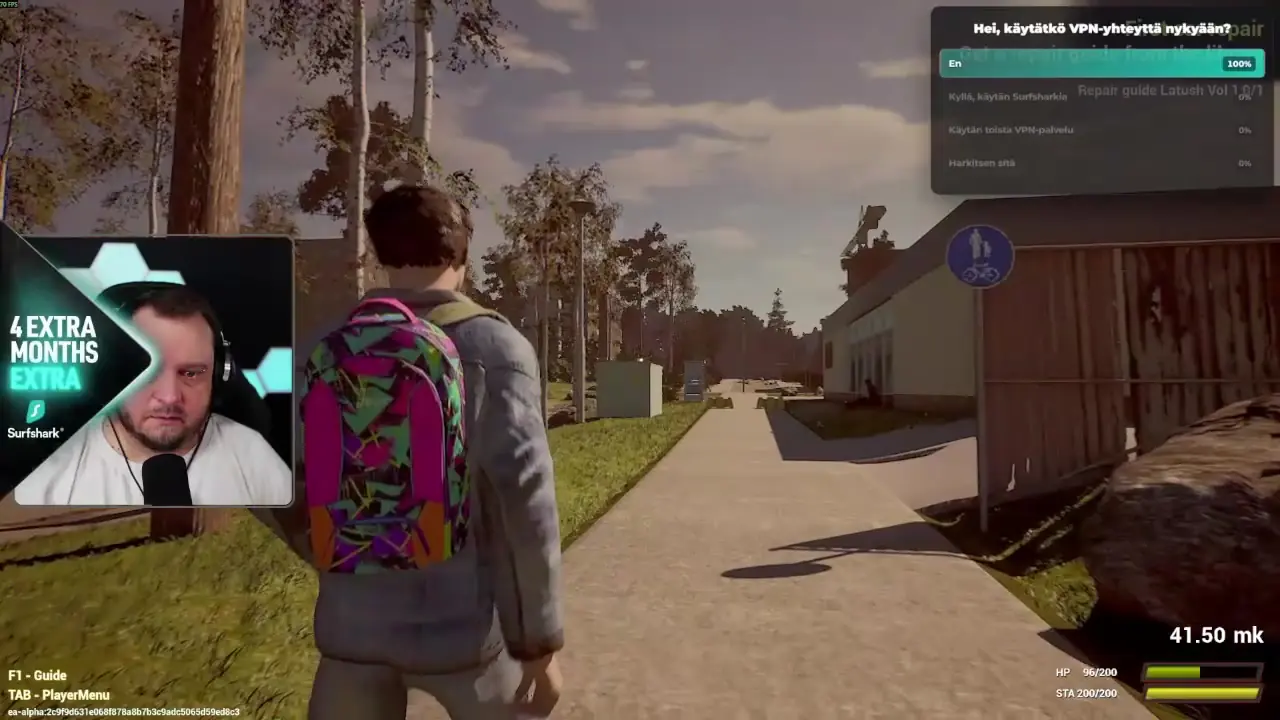
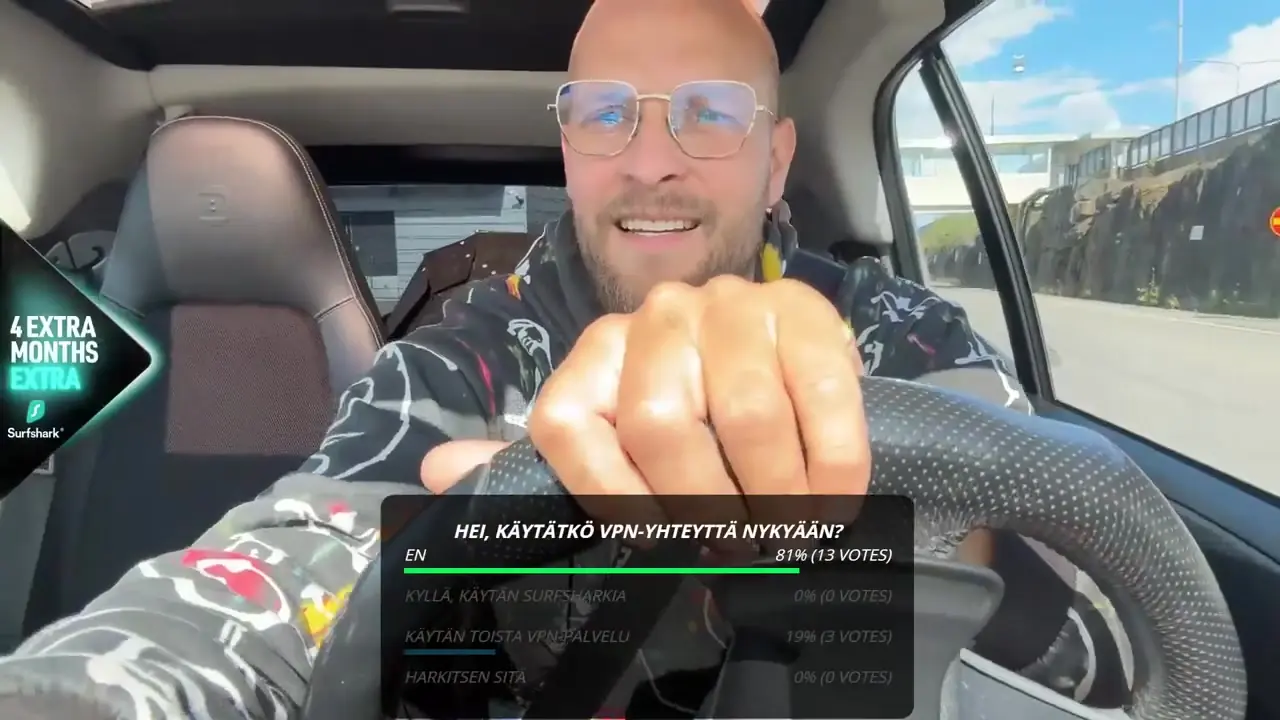 Verified
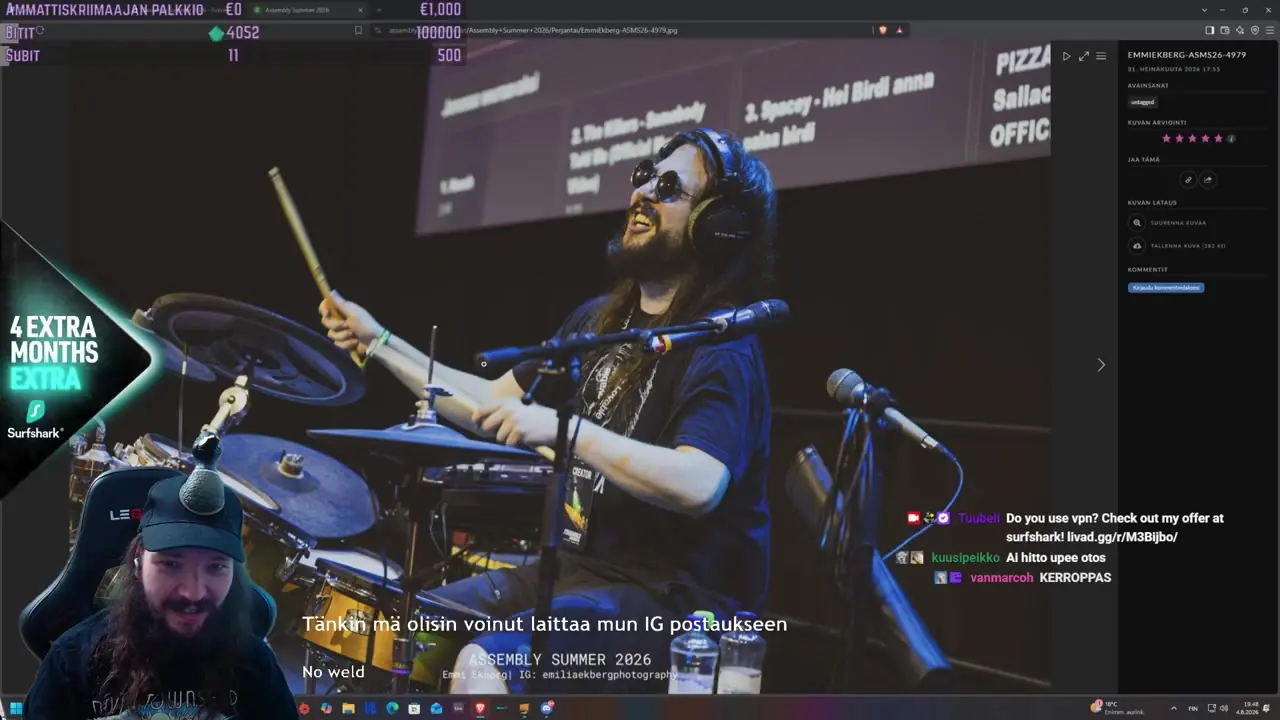 Verified
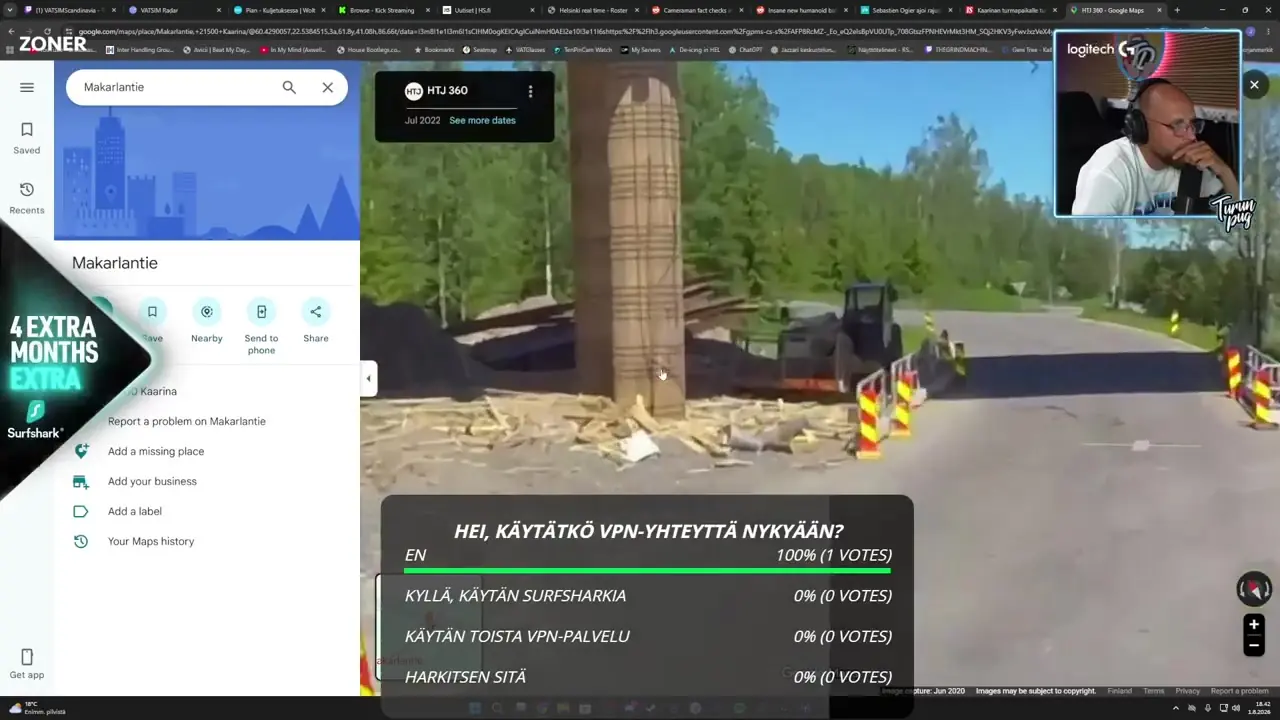 Verified
Ad detection759 ad plays
- 98.7%Clip recorded749 of 759 ad plays
- 89.9%Displayed correctlyin each clip
- 31.5%Brand mentionedsaid on stream
10 plays without a clip · 202 streams
Replay reach
Live views billed. Replays counted on top.
The overlay stays in the VOD and in clips. Replay reach shows those views per channel, next to the live views you paid for.
Views with replays
949,957
Live, billed119,041VOD views798,323Clip views32,593
ChannelVODsVOD views
Tturunpug24305,687
henksuliini10133,791Mmiikaz30120,970
Ddatrope2575,878
Kketku1660,899
Live views billed. Replays and clips reported on top.
Polls
What the audience answered.
If the campaign runs a poll in the creator's chat, every answer comes back in the report, with the share for each option.
Poll
Surfshark VPN Finland
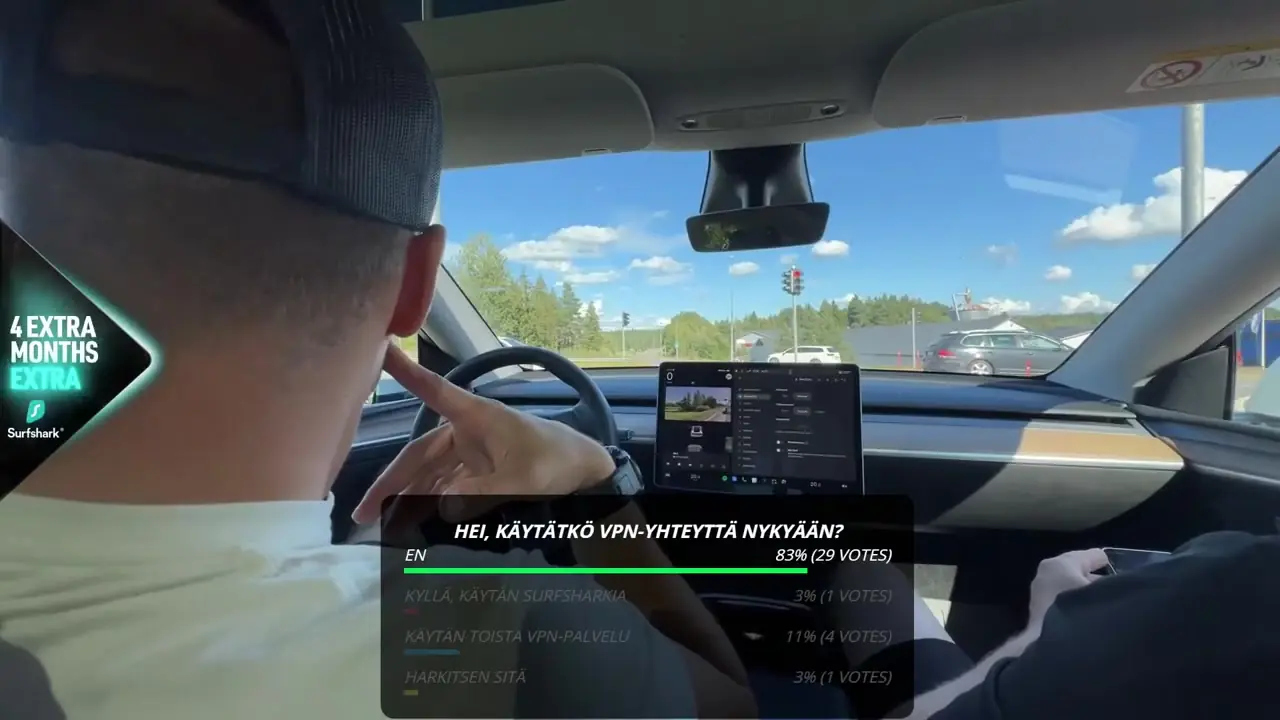
Result2,833 votes
Hei, käytätkö VPN-yhteyttä nykyään?
Hey, do you use a VPN these days?
- EnNo69.3%1,964
- Käytän toista VPN-palveluaI use another VPN16.3%461
- Harkitsen sitäI'm considering it9.7%275
- Kyllä, käytän SurfsharkiaYes, I use Surfshark4.7%133
Questions about reporting
When can we see the numbers?
From the first stream. You follow delivery in your own dashboard login while the campaign runs.
What is in the end report?
Delivery per streamer and per stream, the verification clips, replay and clip views, clicks from the chat command, chat tracking, poll results and brand safety, as one PDF.
Are clicks guaranteed?
No. You buy completed views. Clicks and CTR are tracked and reported, not guaranteed.
Can we share it with the client?
Yes. The report is made to be forwarded as it is.
See a real campaign report.
In a 30 minute demo we open the dashboard of a finished campaign and walk through the report.